
I. Introduction
In today’s fast-paced business environment, effective communication is the cornerstone of successful teams. For high-performing organizations—especially those with 40 to 70 employees—the ability to align, collaborate, and execute efficiently often hinges on how well meetings are structured and conducted.
One of the most important decisions leaders face is choosing between synchronous vs. asynchronous communication. Understanding the strengths and limitations of each can transform your team’s productivity, morale, and alignment.
In this post, we’ll break down these two communication styles, explore when and how to use them, and show you how tools like Meeting For Goals can help you make every meeting count.
👉 Want to run better meetings right away? Explore our free meeting templates to get started.
Effective team communication is the lifeblood of any successful organization. For companies with 40 to 70 employees, where agility and coordination are crucial, how your team communicates can make or break your goals.
Meetings play a big role in this. But let’s face it—many meetings feel like time-wasters. That’s where understanding the difference between synchronous and asynchronous communication comes in.
Synchronous communication happens in real-time. Think live video calls or in-person meetings. Asynchronous communication, on the other hand, happens on your own time—like emails or recorded updates.
Why does this matter? Because the way your team communicates affects how fast decisions are made, how aligned your team is, and how motivated people feel. The old-school, one-size-fits-all meeting model doesn’t work anymore—especially in hybrid or remote work settings.
In this guide, we’ll cover:
- What synchronous and asynchronous communication really mean
- The pros and cons of each method
- How to choose the right style for different types of meetings
- Best practices to make both styles work for you
- How Meeting For Goals can help you streamline everything
Want to take your meetings to the next level? Sign up for Meeting For Goals and start optimizing your team’s communication.
2 Minute Video
Watch a 2 minute demo of our meeting management software in action
II. What is Synchronous Communication?
Synchronous communication is when everyone’s involved at the same time. Whether it’s a Zoom call, a phone chat, or a team huddle, this type of communication happens in real-time.
Examples of synchronous communication include:
- Live video meetings (Zoom, Google Meet)
- Phone calls
- In-person meetings
- Real-time chat (Slack, Microsoft Teams)
- Webinars with live Q&A
Synchronous meetings are the go-to for many leaders because they allow for immediate feedback, fast decisions, and human connection.
Advantages of Synchronous Meetings
- Instant Feedback and Clarification: When you’re in a live meeting, you can ask questions and get answers right away. Misunderstandings can be cleared up on the spot, which is super helpful during complex conversations.
- Real-Time Collaboration: Live meetings are great for brainstorming and problem-solving. The energy of real-time dialogue can spark new ideas and deeper insights.
- Stronger Team Relationships: Seeing faces—whether in person or on screen—helps build trust and connection. This is especially important for remote teams who don’t get to chat at the water cooler.
When to Use Synchronous Communication
- Urgent issues that need quick resolution
- Complex topics with multiple stakeholders
- Team-building or morale-boosting sessions
- Weekly check-ins or live updates
But synchronous meetings have a downside too. They require everyone to be available at the same time, which can be tough across time zones. Plus, without a clear agenda, they can drag on and waste time.
That’s where Meeting For Goals comes in. Our meeting management software helps you keep meetings short, focused, and aligned with your goals.
Want to see how it works? Sign up for a free trial here.
Adding an Agenda
How to add an agenda instantly on Meeting For Goals
III. What is Asynchronous Communication?
Asynchronous communication happens when people interact without being online at the same time. This method has become more popular with remote and hybrid teams because it offers flexibility and reduces the need for constant check-ins.
Examples of asynchronous communication include:
- Pre-recorded video updates (like Loom)
- Comments in tools like Trello, Asana, or Notion
- Slack messages that don’t need immediate replies
- Shared documents with feedback (Google Docs)
Advantages of Asynchronous Meetings
- Flexibility: Team members can read and respond when it fits their schedule. That’s a big win for work-life balance and productivity.
- Time Zone-Friendly: No more struggling to find a meeting time that works for everyone. Teams across the globe can stay aligned without sacrificing sleep.
- Built-In Documentation: Everything is written or recorded, so there’s a clear trail of what was discussed. This is great for accountability and future reference.
When to Use Asynchronous Communication
- Status updates or project reports
- Assigning tasks and deadlines
- Sharing meeting recordings or summaries
- Collecting feedback or survey responses
- Low-priority discussions
The downside? It can be slower. If people don’t respond quickly or messages aren’t clear, it can create bottlenecks.
That’s why structure and clarity are key. Meeting For Goals supports asynchronous workflows by tracking tasks, aligning goals, and ensuring nothing slips through the cracks.
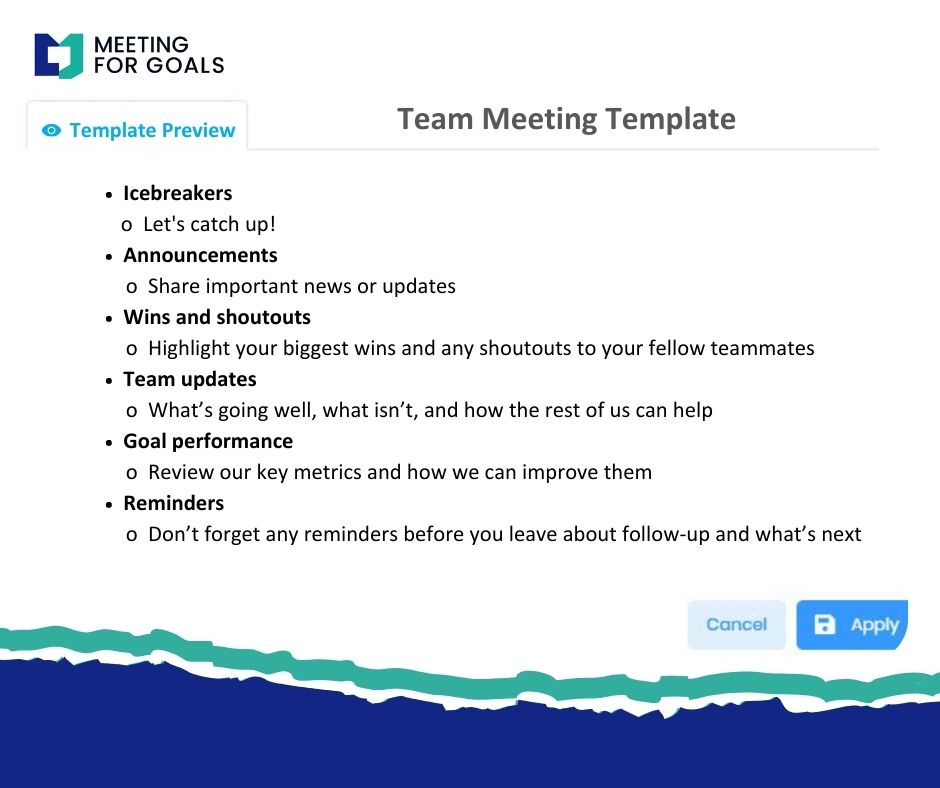
Looking to improve your async workflows? Check out our free meeting templates to get started.
IV. Synchronous vs. Asynchronous: How to Choose
It’s not about which method is better—it’s about choosing the right one for the situation. The best teams use both.
Here’s how to decide:
- Nature of the Content:
- Complex topics (strategy, conflict resolution): Go synchronous
- Simple updates or task assignments: Go asynchronous
- Urgency:
- Need a decision fast? Use synchronous.
- Can it wait a day or two? Async is more efficient.
- Team Preferences:
- Some teams love live interaction.
- Others prefer to work independently and respond on their own time.
When to Use Synchronous Communication
- Leadership meetings
- Crisis response
- Brainstorming sessions
- Performance reviews
When to Use Asynchronous Communication
- Project updates
- Task delegation
- Document collaboration
- Feedback collection
Want to combine both? Start with an async pre-meeting to gather input, then hold a short live meeting to finalize decisions. Meeting For Goals makes this hybrid approach seamless.
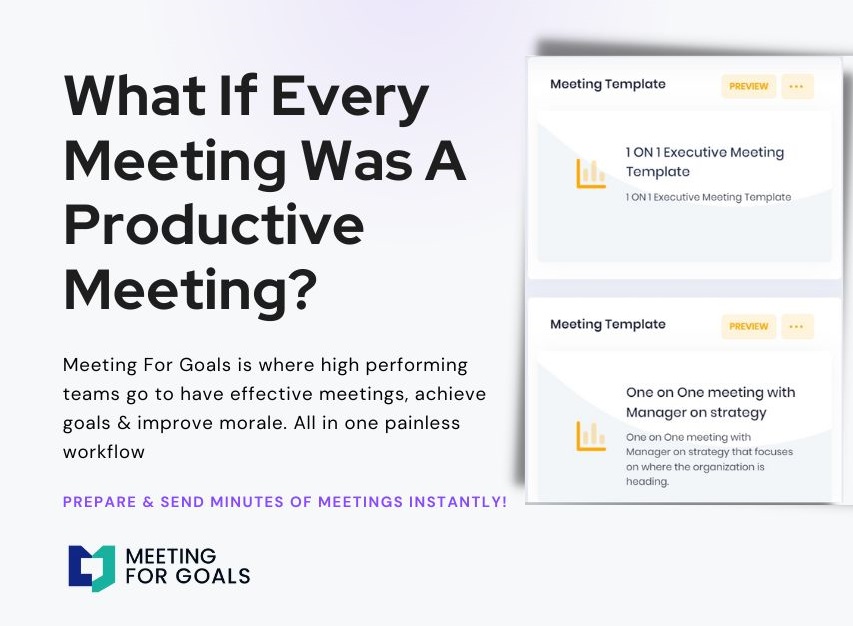
Explore how Meeting For Goals can streamline your communication strategy.
V. Best Practices for Synchronous and Asynchronous Meetings
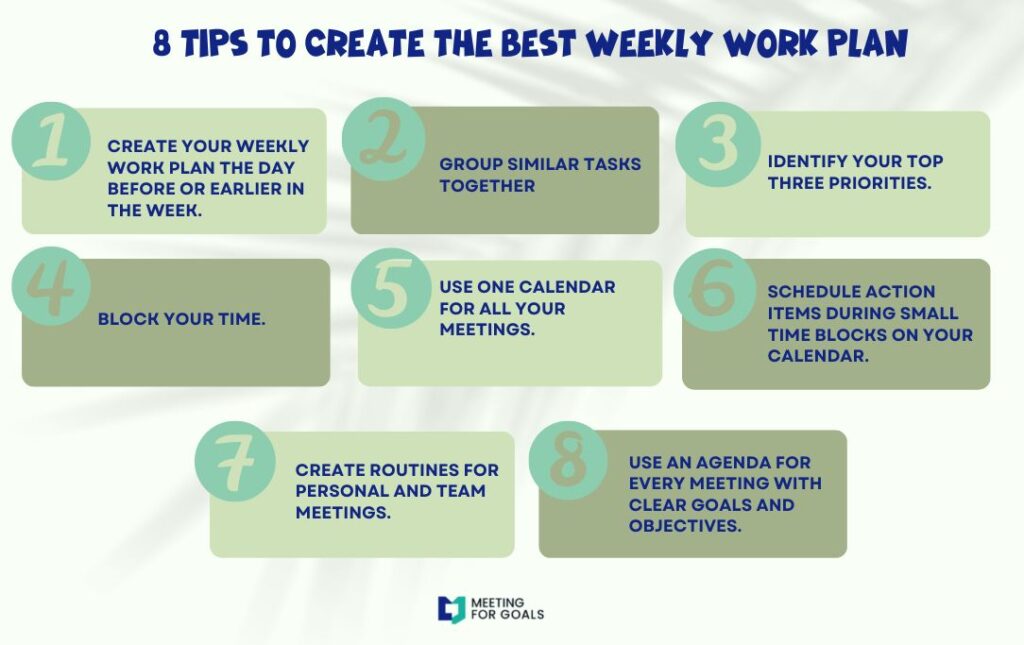
To get the most out of your meetings—whether live or async—follow these best practices.
Best Practices for Synchronous Meetings
- Set a Clear Agenda: Send the agenda before the meeting. It keeps everyone focused and prepared.
- Manage Time Wisely: Start and end on time. Use time blocks for each agenda item and assign a facilitator to keep things moving.
- Assign Roles: Have someone take notes, someone keep time, and someone lead the discussion. This adds structure and accountability.
- Use Interactive Tools: Use polls, breakout rooms, or shared whiteboards to keep people engaged.
Best Practices for Asynchronous Communication
- Be Clear and Concise: Write messages that are easy to understand. Use bullet points, short paragraphs, and visuals when needed.
- Use the Right Tools: Tools like Slack, Loom, and Meeting For Goals make async communication smoother and more effective.
- Set Expectations: Let people know when you need a response and what action is required. This avoids confusion and delays.
- Check In Regularly: Async doesn’t mean disconnected. Use weekly summaries or dashboards to stay aligned and informed.
Want a tool that supports both communication styles? Meeting For Goals integrates with your favorite platforms and helps teams stay on track—no matter how they meet.
VI. Real-World Examples and Case Studies
Let’s take a look at how companies are using these methods in real life.
Case Study: A Remote Marketing Team
A 50-person marketing agency switched to asynchronous updates for weekly reporting. Instead of a 90-minute call, each team member records a 2-minute Loom video. The result? More time for deep work and fewer meeting complaints.
Case Study: A SaaS Startup
A fast-growing SaaS company uses synchronous meetings for product planning but collects feature feedback asynchronously via Notion. This hybrid approach speeds up decision-making and keeps everyone aligned.
Want to build a similar strategy? Try Meeting For Goals and see how your team can save time and boost results.
VII. External Resources to Deepen Your Understanding
For a deeper dive into communication strategies, check out these helpful resources:
- Harvard Business Review: Collaboration Without Burnout
- Atlassian: Guide to Asynchronous Communication in Remote Teams
These expert insights can help you refine your strategy and build a stronger communication culture.
VIII. Conclusion
Synchronous vs. asynchronous communication isn’t an either-or decision. The best teams use both—strategically. When you know when to meet live and when to communicate on your own time, you unlock new levels of productivity, alignment, and morale.
Meeting For Goals helps you make that happen. Whether your team is remote, hybrid, or in-office, our meeting management software empowers you to:
- Run shorter, more focused meetings
- Align every conversation with company goals
- Improve accountability and follow-through
- Save time and reduce meeting fatigue
Let your meetings work for your goals—not against them.
👉 Ready to transform how your team communicates? Sign up now and start making every meeting count.
👉 Want inspiration? Browse our free meeting templates and kickstart your next productive conversation.
👉 Learn more about how Meeting For Goals helps high-performing teams stay aligned and achieve more.