Effective Meeting Agenda: A Sample Framework to Boost Team Productivity
Meetings are a crucial part of running a successful business. But let’s be honest—without structure, they can turn into time-wasters. Whether you’re a VP, Director, or C-suite executive managing a 50-person team, a smart meeting agenda can turn things around. It’s the difference between a meeting that drives progress and one that drains energy.
In this post, we’ll walk you through a proven, easy-to-follow framework for creating an effective meeting agenda. Designed for high-performing teams and powered by Meeting For Goals, this guide will help you run meetings that are shorter, sharper, and more aligned with your business goals.
Looking for ready-to-use templates? Check out our free meeting templates to get started fast.
I. Introduction
In today’s fast-paced work environment, time is money—literally. For companies with 40 to 70 employees, especially those led by senior executives, poorly run meetings can cost thousands in lost productivity. Every hour spent in an unfocused meeting is an hour not spent closing deals, solving problems, or moving the business forward.
That’s why having a clear, well-structured meeting agenda matters. It’s not just a list of topics—it’s a roadmap. A good agenda sets expectations, gives your team direction, and ensures that every minute of your meeting is used wisely.
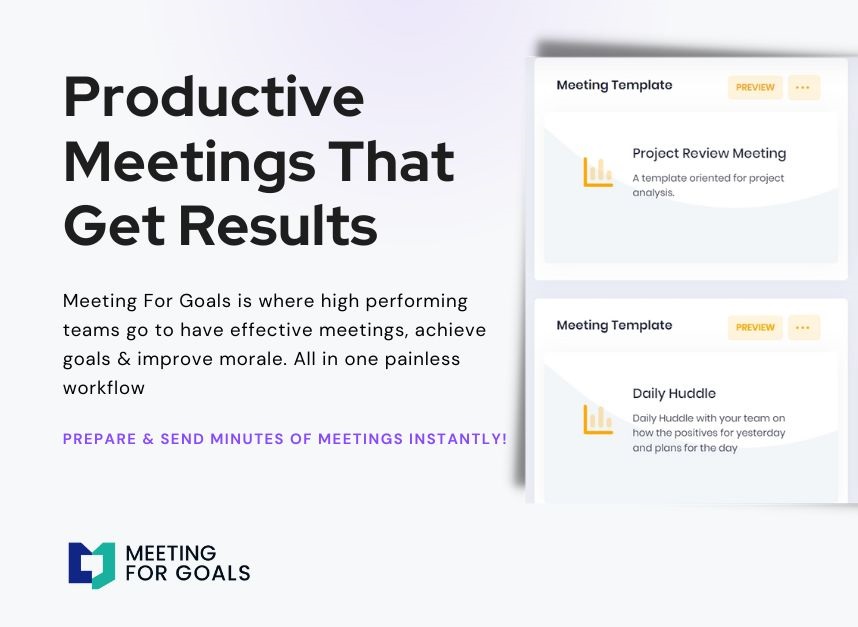
At Meeting For Goals, we help teams run smarter meetings. Our meeting management software is built for leaders who want to align their meetings with company goals, assign responsibilities, track follow-ups, and boost team morale—all in one place.
This blog will give you a complete framework for building an effective meeting agenda. Whether you’re planning a strategic planning session, a weekly check-in, or a cross-functional sync, this guide will help you:
- Define clear meeting objectives
- Break down topics into actionable agenda items
- Assign roles and responsibilities
- Allocate time effectively
- Maximize meeting productivity
Want to start streamlining your meetings today? Sign up and try Meeting For Goals free for 14 days.
2 Minute Video
Watch a 2 minute demo of our meeting management software in action
II. Define the Meeting Objectives
Let’s start with the foundation: your meeting objective.
Every successful meeting begins with a clear goal. Without one, conversations can drift, decisions get delayed, and people leave wondering why they were even there.
Ask yourself: What do we want to accomplish by the end of this meeting?
Your answer should be specific and actionable. For example, instead of saying “Discuss marketing plans,” try “Decide on the top three marketing priorities for Q4.”
This kind of clarity helps everyone come prepared and stay focused. It also ensures your meeting supports broader company goals—like increasing revenue, improving customer experience, or launching a new product.
Here are some example objectives for different meetings:
- Brainstorming Session: Generate 10 new ideas to improve the onboarding process.
- Status Update: Review project milestones and flag any blockers.
- Decision-Making Meeting: Choose between three design vendors for the new website.
- Performance Review: Evaluate Q2 KPIs and set goals for Q3.
Make sure to include your objective in the meeting invite and state it again at the beginning of the meeting. This keeps everyone aligned and focused from the start.
Pro Tip: Use Meeting For Goals to link each meeting to a specific business objective. This keeps your meetings purposeful and aligned with your strategic vision.
For more on setting effective goals, check out this helpful article from Harvard Business Review on how to run meetings that are actually useful.
Adding an Agenda
How to add an agenda instantly on Meeting For Goals
III. List Agenda Items
Once your objective is set, it’s time to break it down into agenda items.
Think of agenda items as the key talking points of your meeting. They keep the conversation organized, help you manage time, and give participants a chance to prepare in advance.
Here’s how to structure your agenda items effectively:
- Start with the most important topics. Prioritize items that need input or decisions from the group.
- Group similar topics together. This keeps the flow logical and smooth.
- Add context. Include a short description or background for each item.
- Assign an owner. Each item should have someone responsible for leading the discussion.
Here’s a sample agenda for a 60-minute project meeting:
- 5 min – Welcome and review meeting goals (Facilitator)
- 10 min – Project status and KPIs (Project Manager)
- 15 min – Discuss blockers and resource needs (Team Leads)
- 20 min – Decide on revised timeline and deliverables (All)
- 5 min – Assign action items (Facilitator)
- 5 min – Final comments and wrap-up (All)
This structure keeps your meeting focused and productive. Everyone knows what’s coming, who’s leading what, and what’s expected of them.
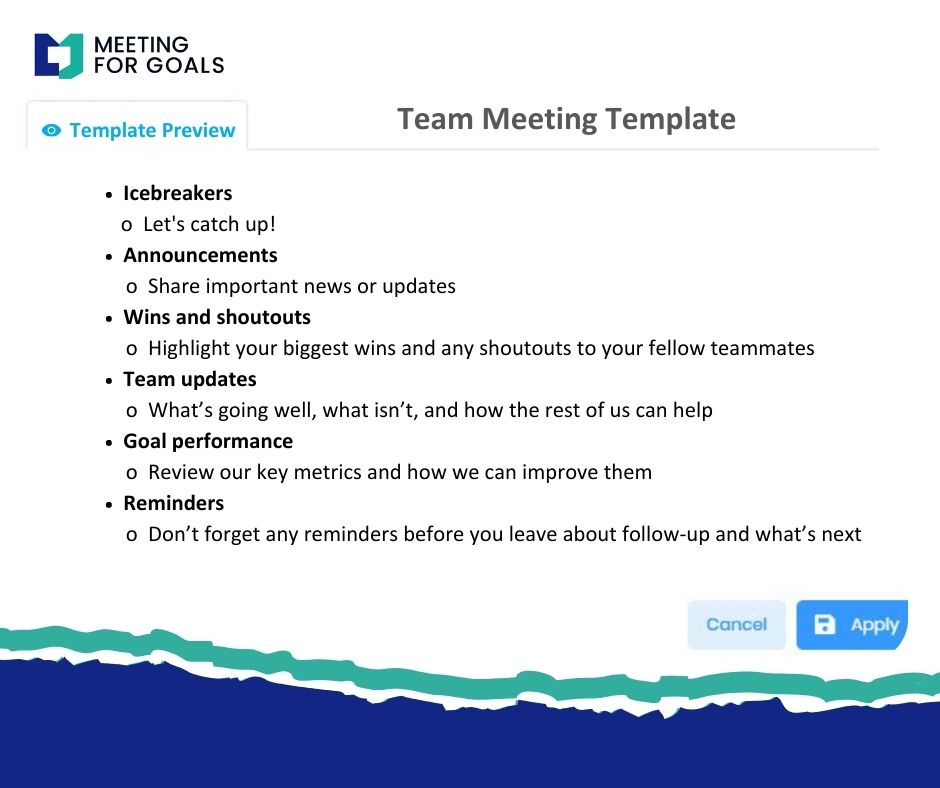
Meeting For Goals makes it easy to create and organize agenda items. You can drag and drop topics, assign owners, and even link items to specific metrics or goals.
IV. Assign Roles and Responsibilities
One of the easiest ways to improve your meetings is to assign roles. When everyone knows their part, meetings run smoother, decisions get made faster, and action items don’t fall through the cracks.
Here are the key roles to assign:
- Facilitator: Keeps the meeting on track and ensures the agenda is followed.
- Timekeeper: Watches the clock and helps the group stick to time limits.
- Note-taker: Captures key decisions, action items, and follow-ups.
- Presenter(s): Leads specific agenda items or discussions.
Assign these roles before the meeting and include them in the agenda. This sets clear expectations and helps distribute the workload.
Example for a weekly leadership meeting:
- Facilitator: VP of Operations
- Timekeeper: Executive Assistant
- Note-taker: Chief of Staff
- Presenters: Heads of Marketing, Sales, and Product
Rotating these roles can also help team members build leadership skills and keep things fresh.
Meeting For Goals makes role assignments easy. You can tag team members as facilitators, note-takers, or presenters right in the agenda.
Pro Tip: Don’t skip this step. Even a quick 2-minute role assignment can drastically improve meeting outcomes.
For more on empowering team members through role clarity, check out this article from Atlassian on how to run effective team meetings.
V. Allocate Time for Each Item
Time is your most limited resource—use it wisely.
One of the biggest reasons meetings run long is poor time management. Allocating time for each agenda item helps you stay on track and respect everyone’s schedule.
Start by figuring out how long your meeting will be. Then divide that time among your agenda items based on priority and complexity.
Example for a 45-minute team sync:
- 5 min – Welcome and meeting goals
- 10 min – Project updates
- 15 min – Discuss challenges and solutions
- 10 min – Decide on next steps
- 5 min – Recap and assign action items
Tips for better time management:
- Build in buffer time for transitions or unexpected questions.
- Use a timer or meeting clock to stay on track.
- Be flexible—if something runs over, adjust or schedule a follow-up.
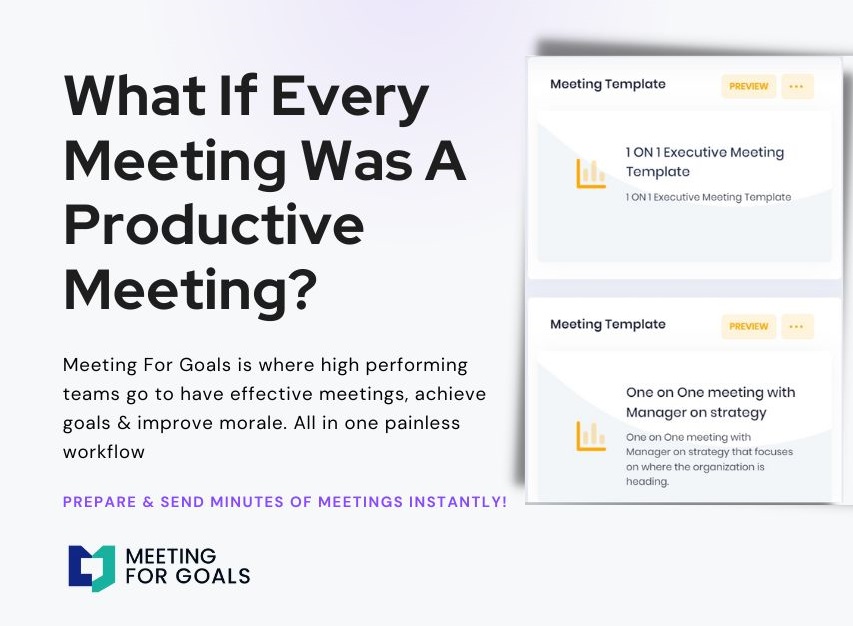
Meeting For Goals includes built-in time tracking for each agenda item. You’ll get visual cues to help you stay on schedule and avoid meeting overruns.
Pro Tip: After each meeting, review how time was used. Use that insight to improve your next agenda.
VI. Conclusion
A well-crafted meeting agenda isn’t just a checklist—it’s a powerful tool for productivity and alignment. For leaders managing fast-moving teams, mastering agenda planning can lead to better decisions, faster execution, and stronger morale.
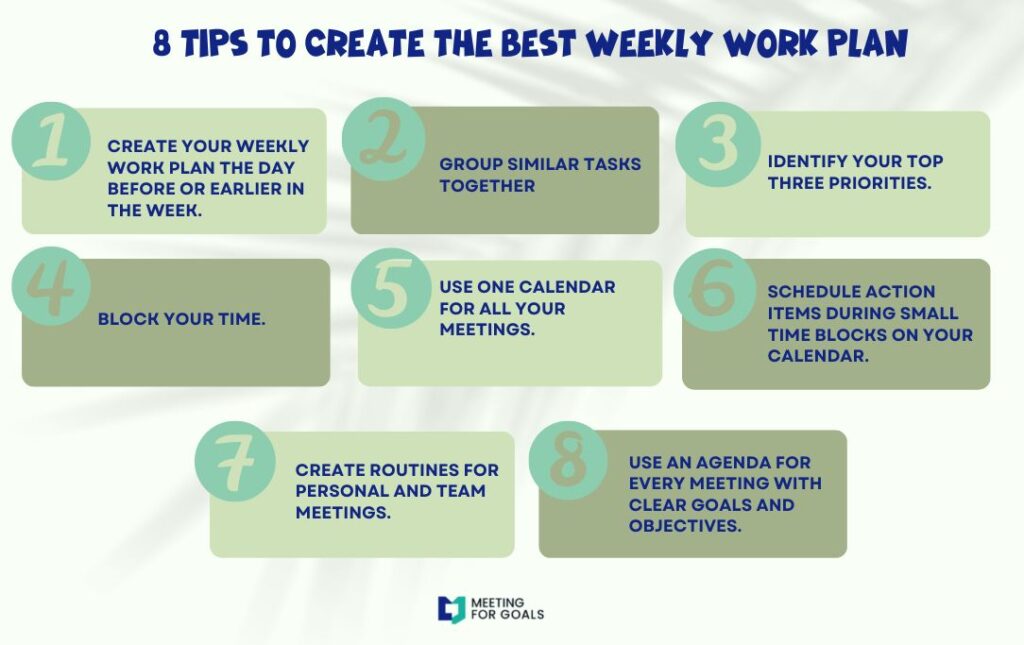
Let’s recap what makes an effective agenda:
- A clear, actionable meeting objective tied to company goals
- A prioritized list of agenda items with context and ownership
- Assigned roles to drive accountability and engagement
- Thoughtful time allocation to keep meetings efficient
At Meeting For Goals, we’re here to help you make every meeting count. Our software simplifies agenda creation, role assignment, and follow-up tracking—all in one intuitive platform.
Ready to lead more productive meetings?
👉 Sign up for a free 14-day trial of Meeting For Goals
👉 Download our free meeting agenda templates
👉 Visit our website to learn more about how we help high-performing teams.
Make your meetings matter. Align your team. Achieve your goals. All with Meeting For Goals.