How to Create Minutes of the Meeting: A Step-by-Step Guide for High-Performing Teams
Effective meetings are the backbone of high-performing teams. But without well-crafted meeting minutes, even the most productive discussions can lead to confusion, miscommunication, and missed opportunities. For companies with 40–70 employees, especially those led by Directors, VPs, and C-suite executives, creating structured, actionable, and goal-aligned meeting minutes is more than just a formality. It’s a strategic necessity.
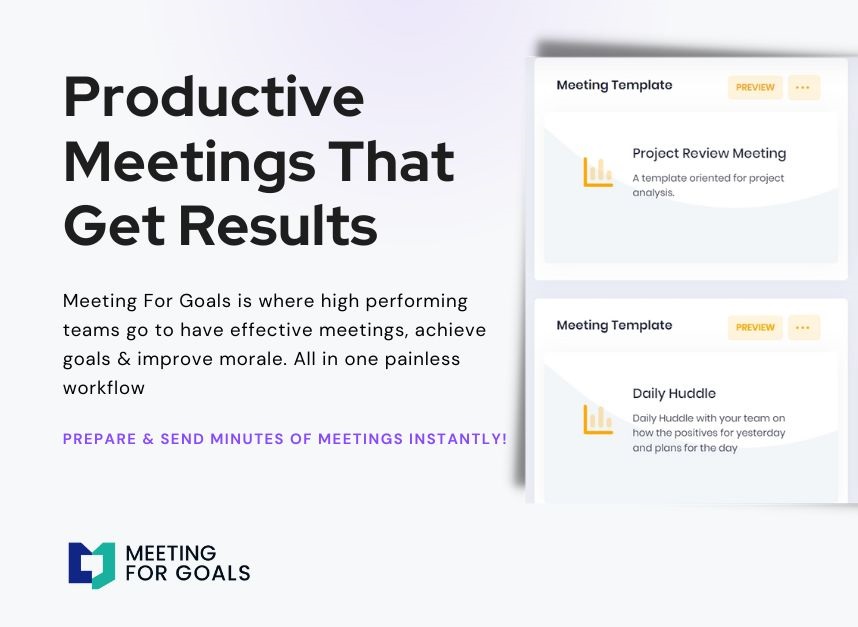
In this guide, we’ll show you exactly how to create meeting minutes that not only capture what was said but also drive accountability, save time, and align your team around your company’s goals. And with the help of Meeting For Goals—your all-in-one meeting management software—this process becomes seamless, efficient, and impactful.
If you're ready to take your meetings to the next level, start by exploring our free meeting templates or sign up today at Meeting For Goals.
Introduction
In today’s fast-moving work environment, meetings are more than just calendar events. They’re key moments that can drive clarity, collaboration, and progress. But without clear and concise meeting minutes, those moments can quickly lose their impact.
So, what are meeting minutes?
Meeting minutes are a written summary of what happened during a meeting. They include:
- Decisions made
- Action items assigned
- Key points discussed
They help teams stay aligned, hold each other accountable, and ensure continuity from one meeting to the next.
For executives managing teams of 40 to 70 people, meeting minutes are essential. They document strategic decisions, track progress, and ensure everyone knows their responsibilities. This guide will walk you through every step of creating meeting minutes that are both accurate and actionable.
We’ll cover everything from preparation and note-taking to formatting, distribution, and storage. Plus, we’ll show you how Meeting For Goals can simplify the entire process.
Section 1: Pre-Meeting Preparation
Before the meeting even begins, the groundwork for effective meeting minutes should be in place. Good preparation sets the tone for a productive meeting and makes note-taking much easier.
Understanding Key Objectives
Every effective meeting starts with a clear purpose. Is the goal to make a decision, brainstorm solutions, or review progress? Knowing this in advance helps the note-taker focus on what really matters.
Encourage your team to share the meeting agenda at least 24 hours ahead of time. This gives everyone a chance to prepare and allows the note-taker to anticipate what needs to be captured.
Choosing a Note-Taker
Assigning a dedicated note-taker is crucial. They should understand the meeting’s context and know how to distinguish between essential and non-essential details.
In smaller teams, this role might rotate. In larger companies, it’s often handled by an executive assistant or project manager. Meeting For Goals allows you to assign note-takers directly within the platform, ensuring consistency and accountability. You can even collaborate in real-time with multiple contributors.
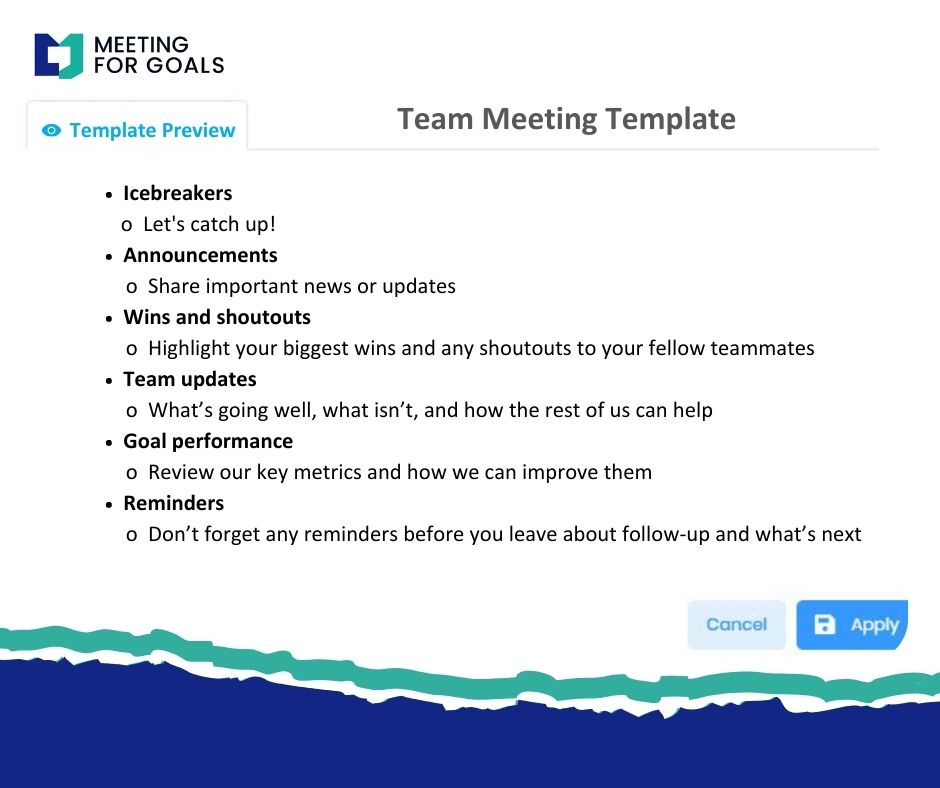
Setting Up a Template
Templates save time and ensure consistency. A good template includes:
- Date and time
- Attendees
- Agenda items
- Key decisions
- Action items
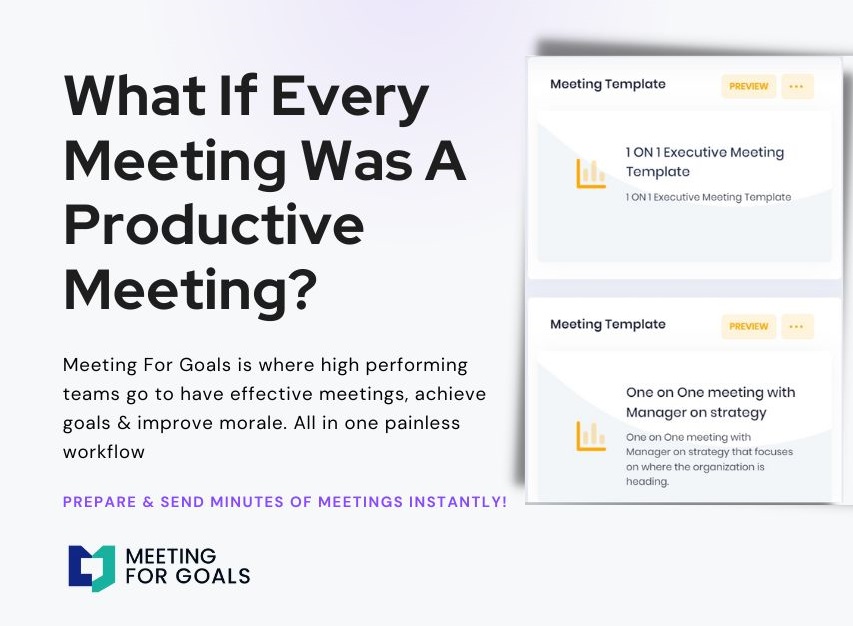
Meeting For Goals offers customizable templates tailored to different meeting types. Whether it’s a strategic planning session or a weekly check-in, having a structured format means nothing gets overlooked.
For more inspiration, check out our free meeting templates.
2 Minute Video
Watch a 2 minute demo of our meeting management software in action
Section 2: Key Elements of Meeting Minutes
Once the meeting starts, the note-taker’s role is to capture the most important elements in a clear and organized way. The goal isn’t to write down everything—it’s to capture what matters most.
Date, Time, and Location
Always start with the basics: the meeting’s date, time, and location (or virtual link). It may seem minor, but it’s essential for record-keeping and future reference.
Attendees
List everyone who attended, along with their roles. Also note who was absent and whether their absence was excused. This helps maintain accountability and transparency.
Meeting For Goals pulls this information automatically from your calendar invites, saving time and reducing errors.
Agenda Items
Structure your minutes around the agenda. For each item, include a brief summary of the discussion and highlight any decisions or next steps.
This approach makes it easy for team members to find the information they need without digging through paragraphs of notes.
Decisions Made and Action Items
This is the heart of your meeting minutes. Clearly document:
- What decisions were made
- Who made them
- Why they were made (if relevant)
- What tasks were assigned
- Who is responsible
- When each task is due
Example:
- Action Item: “Sarah to finalize the Q3 hiring plan by July 10.”
- Decision: “Approved the new onboarding process for remote employees.”
Meeting For Goals lets you assign and track action items directly in the platform, keeping everything connected and easy to follow up.
Adding an Agenda
How to add an agenda instantly on Meeting For Goals
Section 3: During the Meeting
Capturing effective minutes in real time takes focus and good judgment. Here’s how to make sure your notes are accurate and useful.
Active Listening
Good note-taking starts with good listening. The note-taker should understand the conversation—not just hear it. That means:
- Identifying key points
- Noting who said what (when necessary)
- Understanding the implications of decisions
Avoid multitasking. Stay engaged. Meeting For Goals offers a distraction-free note-taking space designed for capturing key insights.
Noting Key Points
Don’t try to write everything down. Instead, focus on:
- Major updates
- Points of agreement or disagreement
- Decisions and their justifications
- Assigned tasks and deadlines
Use bullet points or shorthand to keep up with the pace. You can clean up and expand your notes after the meeting.
With Meeting For Goals, you can tag and categorize notes in real time, making them easier to organize and retrieve later.
Clarifying Information
If something is unclear, ask for clarification. It’s better to pause briefly than to record incorrect information.
Meeting For Goals allows real-time collaboration, so participants can comment or clarify points during the meeting. This reduces misunderstandings and ensures everyone is on the same page.
Section 4: Writing Clear and Concise Minutes
After the meeting, it’s time to turn your notes into a polished document that people can actually use.
Using Simple Language
Keep your language simple and clear. Avoid jargon, acronyms, or overly technical terms. Your goal is to make the minutes understandable to everyone.
Instead of saying, “The committee deliberated on the optimization of cross-functional synergies,” say, “The team discussed how to improve collaboration between departments.”
Formatting for Clarity
A clean layout makes your minutes easier to read. Use:
- Headings for each agenda item
- Bullet points for key details
- Bold text for action items and decisions
Meeting For Goals offers formatting tools and templates that make your minutes clear and professional. You can export them as PDFs or share them via links.
Reviewing for Completeness
Before sending out the minutes, double-check them. Cross-reference your notes and, if possible, confirm key points with another attendee.
Pay special attention to action items and deadlines—these are what drive results.
Meeting For Goals supports collaborative editing, so team members can review and contribute before the final version is shared.
Section 5: Distributing and Storing Minutes
Great meeting minutes are only effective if they’re shared promptly and stored properly.
Timely Distribution
Send out the minutes within 24 hours. This keeps the conversation fresh and reinforces accountability.
With Meeting For Goals, you can share minutes instantly via email or direct link. Everyone stays informed without delay.
Choosing the Right Platform
Email might work for small teams, but growing organizations need something more robust. Meeting For Goals integrates your meeting minutes with your goals, tasks, and follow-ups.
Everything is centralized, searchable, and easy to manage from one dashboard.
Storing Minutes for Future Reference
Archiving your minutes helps with continuity, compliance, and knowledge management. Whether you’re tracking project milestones or preparing for audits, having a reliable archive is essential.
Meeting For Goals automatically stores all your minutes in a secure, cloud-based repository. You can search by date, topic, or participant to find exactly what you need.
Want to explore more features? Visit Meeting For Goals to learn how we can help streamline your meetings.
Conclusion
Effective meeting minutes aren’t just a formality—they’re a powerful tool for driving alignment, productivity, and accountability. For teams of 40–70 employees, especially those led by senior executives, mastering meeting minutes can be a game-changer.
By preparing in advance, capturing the right information during the meeting, and distributing and storing your minutes effectively, you ensure that every meeting moves your team forward.
And with Meeting For Goals, the entire process becomes simple, streamlined, and impactful. From assigning note-takers and using templates to tracking action items and storing records, our platform is built to help your meetings deliver real results.
Ready to turn your meetings into productivity engines? Sign up today at Meeting For Goals and start creating meeting minutes that truly make a difference.
For more resources, visit Meeting For Goals and explore our free meeting templates.