
Mastering Executive Meetings for Enhanced Productivity
Executive meetings are the strategic heartbeat of any high-performing organization. Yet, too often, these meetings fall short. They may drag on without direction, lack follow-through, or fail to generate real outcomes. For companies with 40–70 employees, especially those led by visionary executives, the stakes are even higher. Efficient and purpose-driven executive meetings can be the difference between hitting quarterly goals or falling short.
In this blog, we’ll explore how to master executive meetings for enhanced productivity. We will use proven strategies and powerful tools like Meeting For Goals—a meeting management software designed to make every meeting count. Whether you’re a Director, VP, or C-suite leader, this guide will help you transform your meetings into engines of alignment, accountability, and action.
Ready to take your meetings to the next level? Start by signing up here: Meeting For Goals Registration
2 Minute Video
Watch a 2 minute demo of our meeting management software in action
II. The Purpose of Executive Meetings
Before you can improve your meetings, it’s important to understand their true purpose. Executive meetings aren’t just for updates—they’re strategic sessions that shape the future of your company.
A. Strategic Decision-Making
The most important role of executive meetings is to make high-impact decisions. Whether you’re choosing to launch a new product, enter a new market, or restructure a team, these meetings are where the big calls happen.
But these decisions require more than opinions. They need data, clarity, and focused discussion. That’s why it’s crucial to come prepared and stay on track.
B. Aligning the Leadership Team
In growing companies, misalignment at the top can lead to chaos below. Executive meetings help keep everyone on the same page—especially regarding goals, priorities, and timelines.
- When leadership is aligned, departments can work together more effectively.
- It reduces confusion, speeds up decision-making, and boosts morale across the board.
C. Fostering Collaboration and Transparency
Great executive meetings create space for open dialogue. They encourage leaders to:
- Share insights
- Raise concerns
- Collaborate across functions
This kind of transparency builds trust. It helps break down silos, which is key to solving problems and driving innovation.
D. Setting Clear Agendas
A meeting without an agenda is like a road trip without a map. You’ll waste time and probably won’t end up where you need to be. A clear agenda helps everyone prepare. It keeps the meeting focused and ensures that all critical topics are covered.
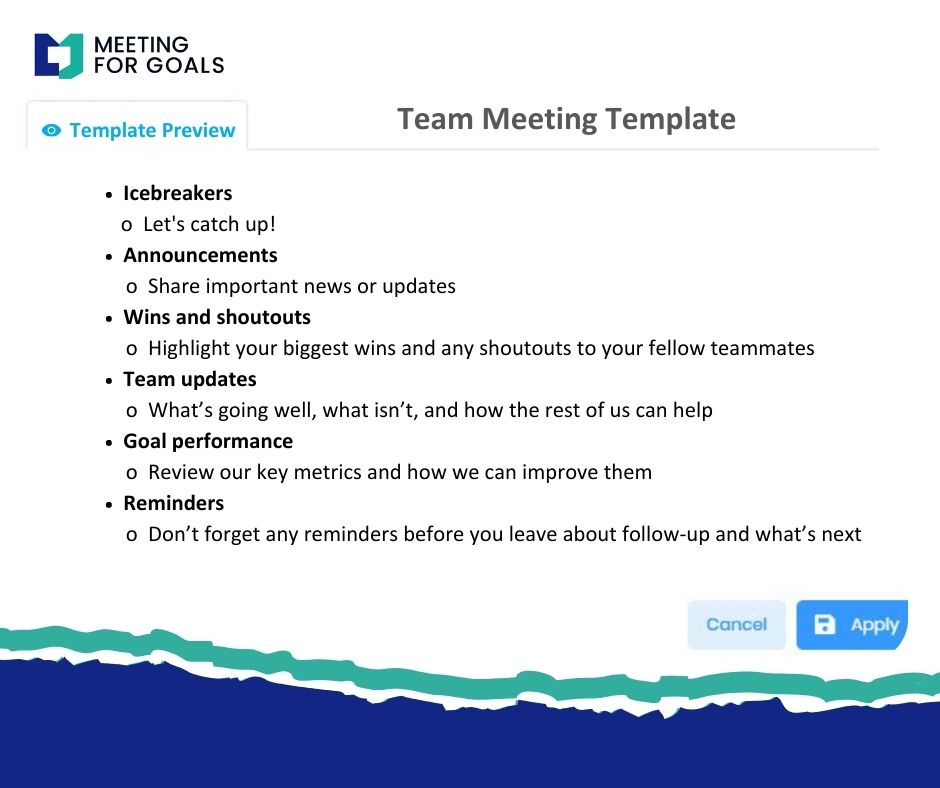
Meeting For Goals makes it easy to build and share agendas that are tied directly to your company’s goals.
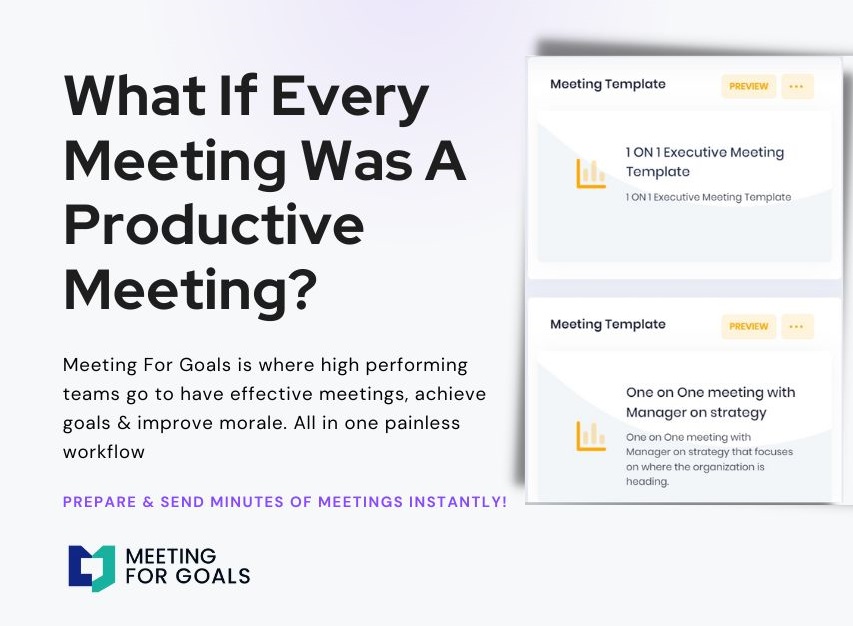
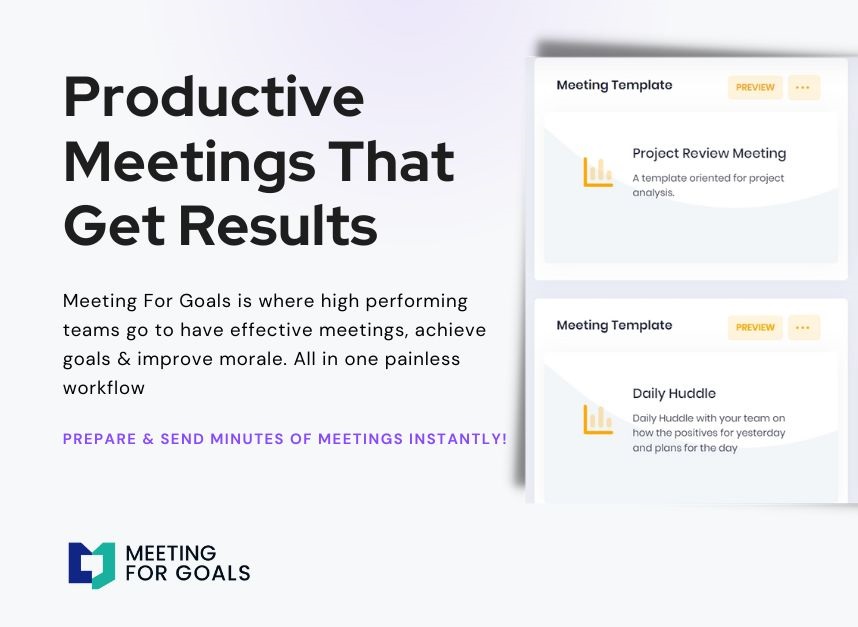
Want a head start? Check out our free meeting templates here: Free Meeting Templates
Adding an Agenda
How to add an agenda instantly on Meeting For Goals
III. Best Practices for Conducting Effective Executive Meetings
Even the smartest leaders can fall into the trap of unproductive meetings. The key is to follow a set of best practices that keep things focused, efficient, and actionable.
A. Prepare an Actionable Agenda in Advance
Don’t wait until the meeting starts to figure out what you’re talking about. Your agenda should be shared at least 24–48 hours in advance. It should be more than just a list of topics.
Each item should have a goal:
- Are you making a decision?
- Solving a problem?
- Reviewing data?
This clarity helps participants come prepared and stay engaged. With Meeting For Goals, you can create agendas that link directly to your team’s objectives. It’s a simple way to keep every discussion aligned with your strategy.
B. Invite the Right People
Too many people in a meeting can derail it. Too few, and you might miss key insights. For executive meetings, stick to decision-makers and those with relevant expertise.
Make sure everyone in the room has:
- A clear role
- A reason to be there
C. Set Ground Rules and Manage Time
Every meeting needs structure. Set expectations around participation—like:
- Staying on topic
- Listening actively
- Being concise
Time management is also key. Assign time limits to each agenda item and stick to them. Consider assigning a facilitator to keep things moving. This role can rotate or be assigned permanently.
D. Use Meeting Management Software
Technology can take your meetings from good to great. Meeting For Goals gives you one place to manage agendas, assign tasks, and track outcomes.
It also integrates goal tracking directly into your meeting workflow. That means every discussion is connected to a bigger objective—and nothing slips through the cracks.
IV. Enhancing Accountability and Follow-Up
A meeting is only valuable if it leads to action. That’s why accountability is one of the most important parts of any executive meeting.
A. Assign Clear Roles and Responsibilities
When a decision is made or a task is discussed, someone needs to own it. Assign responsibilities in the meeting, not after. Be specific:
- Who’s doing what?
- By when?
- What are the expectations?
With Meeting For Goals, you can assign tasks directly from the agenda. Everything is tracked automatically, so you don’t need to chase people down later.
B. Define Action Items with Deadlines
Every meeting should end with a list of action items. These should be clear, measurable, and time-bound. Use a consistent format for documenting them. Then, review them at the beginning of the next meeting to ensure progress is being made.
C. Schedule Regular Follow-Ups
Don’t let weeks go by without checking in. Regular follow-up meetings—weekly or bi-weekly—help maintain momentum and accountability. These sessions should focus on:
- Reviewing action items
- Resolving roadblocks
- Adjusting plans as needed
D. Use Tools to Track Progress
Manual follow-ups are time-consuming and easy to forget. Digital tools can automate this process and make accountability a natural part of your workflow.
Meeting For Goals offers built-in task tracking, reminders, and performance reports. You’ll know exactly what’s been done, what’s overdue, and where your team stands.
V. Measuring the Effectiveness of Executive Meetings
You can’t improve what you don’t measure. If you want better meetings, you need to track their effectiveness.
A. Compare Outcomes to Goals
Start by asking: Are we achieving what we set out to do? Are meetings helping us reach our goals faster and more effectively? If not, it may be time to rethink your format or approach.
B. Gather Feedback from Attendees
After each meeting, ask participants for feedback. You can use simple surveys or informal check-ins. Ask questions like:
- Was this meeting valuable?
- Were the objectives clear?
- Were action items well-defined?
This input can help you fine-tune your approach and catch issues early.
C. Use Meeting Analytics
Meeting analytics give you data-driven insights into what’s working—and what’s not. With Meeting For Goals, you can track:
- Meeting duration
- Task completion rates
- Goal alignment
- Participant engagement
These metrics help you spot trends, identify bottlenecks, and improve over time.
D. Commit to Continuous Improvement
The best teams don’t just run meetings—they improve them. Use your analytics and feedback to make small changes that add up. Whether it’s adjusting your agenda structure or changing who facilitates, continuous improvement is key to long-term success.
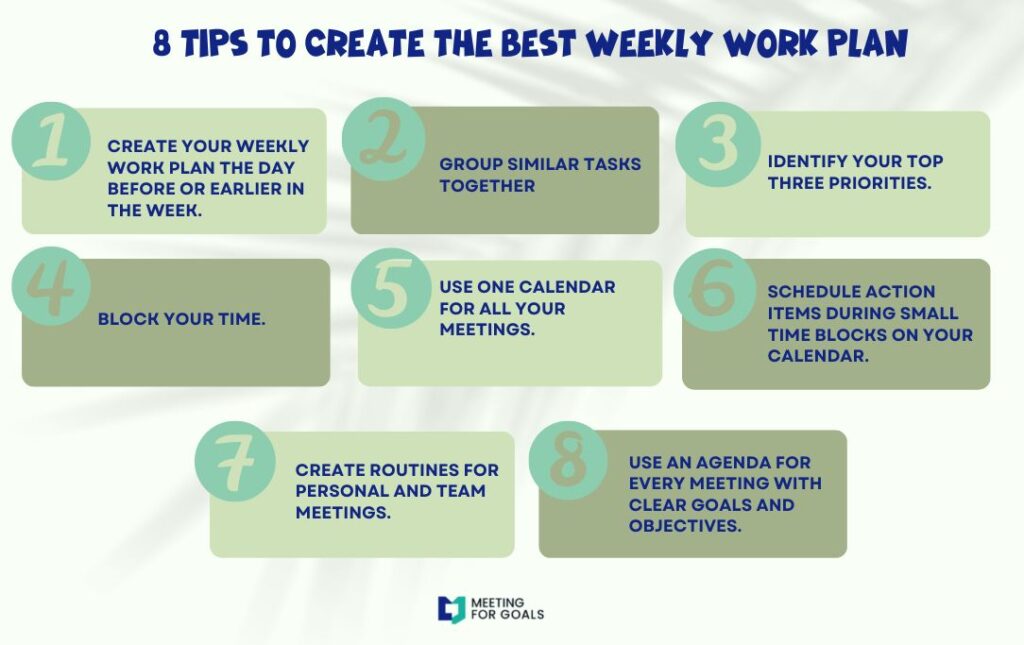
VI. Additional Tips for Running Exceptional Executive Meetings
To further enhance your executive meetings, consider these bonus strategies:
A. Start with Wins
Kick off meetings by celebrating recent wins. This sets a positive tone and reminds everyone of progress. It boosts morale and reinforces the value of your leadership team’s efforts.
B. Limit Meeting Frequency
Not every issue needs a meeting. Evaluate whether your current meeting cadence is necessary—or if some topics can be handled via email or a quick huddle. Less frequent, more focused meetings are often more productive.
C. Rotate Roles
Switch up who leads or facilitates the meeting. This keeps things fresh and gives team members a chance to develop leadership and facilitation skills.
D. Use Visual Aids
Charts, dashboards, and visual timelines make complex topics easier to understand. They also keep meetings more engaging. Tools like Meeting For Goals include visual performance dashboards that help you track progress at a glance.
VII. Why Meeting For Goals is the Ultimate Meeting Management Tool
Let’s face it—running effective meetings is hard. There are a lot of moving parts, and without the right tools, things can fall through the cracks.
That’s where Meeting For Goals shines. It’s built specifically for high-performing teams who want to:
- Align meetings with company goals
- Track action items and responsibilities
- Measure performance with real data
- Foster a culture of accountability and execution
Whether you’re a CEO, VP, or Director, Meeting For Goals helps you lead smarter, more impactful meetings.
And with features like agenda templates, automated follow-ups, and meeting analytics, it’s never been easier to turn meetings into momentum.
VIII. Conclusion
Executive meetings have the power to drive your company forward—but only if they’re run effectively. Here’s what we’ve covered:
- Executive meetings should focus on strategy, alignment, and decision-making.
- Clear agendas and the right participants are essential for success.
- Accountability and follow-up turn discussions into results.
- Measuring effectiveness helps you improve over time.
- Meeting For Goals is the ultimate tool for managing and optimizing your leadership meetings.
If you’re ready to stop wasting time and start driving real results, it’s time to upgrade your executive meetings.
👉 Get started now: Meeting For Goals Registration
👉 Want to save time? Use our free meeting templates: Free Meeting Templates
👉 Learn more about how we can help your team: Meeting For Goals
By following these strategies and using the right tools, you can transform your executive meetings into a powerful engine of growth, alignment, and execution.
Make every meeting count.