
Executive Project Status Report Template: A Blueprint for Productive Meetings and Goal Alignment
Excerpt:
In today’s fast-paced business environment, high-level executives need more than just updates. They need clarity, accountability, and alignment. An effective Executive Project Status Report is a powerful tool to streamline communication, enhance transparency, and drive results. In this article, we’ll walk you through a comprehensive Executive Project Status Report Template designed specifically for high-performing teams. We’ll also explore how Meeting For Goals, the leading meeting management software, transforms status reporting into a seamless, goal-driven experience. Whether you’re a Director, VP, or C-suite executive, this guide will help you lead with insight and agility.
I. Introduction
In the world of project management, clear communication is the cornerstone of success. Yet, many organizations struggle with:
- Scattered updates
- Misaligned priorities
- Meetings that don’t lead to action
That’s where an Executive Project Status Report makes all the difference.
For companies with 40 to 70 employees, especially those scaling quickly or managing cross-functional teams, executives need fast, clear insights into project performance. They don’t have time to dig through lengthy reports or interpret vague updates. They need a high-level summary that gets to the point and drives action.
That’s exactly what the Executive Project Status Report provides. It’s a structured, strategic tool that helps leaders stay informed, make decisions quickly, and align teams with organizational goals. When paired with Meeting For Goals, it becomes even more powerful.
With Meeting For Goals, you can:
- Integrate reports directly into your meeting agendas.
- Assign action items on the spot.
- Track everything in one place.
If you haven’t explored our platform yet, check out our free meeting templates to get started: https://meetingforgoals.com/meeting_templates.
In this guide, we’ll walk you through:
- The purpose and strategic value of an Executive Project Status Report.
- A breakdown of each section in our proven template.
- Best practices to make your reports impactful.
- How Meeting For Goals enhances your reporting process.
- Actionable steps to implement this in your organization.
Whether you’re leading product development, operations, or strategic initiatives, this template will help you turn updates into outcomes.
2 Minute Video
Watch a 2 minute demo of our meeting management software in action.
II. Purpose of an Executive Project Status Report
An Executive Project Status Report isn’t just a formality. It’s a high-level communication tool that connects project execution with leadership decision-making. It helps executives see the big picture without getting lost in the details.
A. Definition and Role
At its core, this report is a concise summary designed for decision-makers. It focuses on what matters most: progress, problems, and next steps. Instead of diving into technical minutiae, it highlights:
- KPIs (Key Performance Indicators)
- Milestones
- Risks
- Responsibilities
Think of it as a dashboard for your project. Executives can glance at it and know exactly where things stand.
B. Keeping Stakeholders Informed
Leaders can’t make good decisions without good information. This report ensures that department heads, C-suite leaders, and project sponsors stay in the loop without having to chase updates or attend every meeting.
When stakeholders are well-informed, they can:
- Step in to remove blockers.
- Approve resources or changes quickly.
- Align project outcomes with business strategy.
In fast-growing companies, where leaders juggle multiple roles, this clarity is critical. It saves time, reduces confusion, and keeps everyone moving in the same direction.
C. Aligning with Company Goals
Every project should move the company closer to its goals. Whether it’s:
- Improving customer experience
- Increasing revenue
- Launching a new product
Progress should be tied to strategy. That’s why this report doesn’t just show what’s been done. It shows how that work supports the bigger picture.
This is where Meeting For Goals really shines. Our platform links every project update to a strategic objective. This makes it easy to track progress and adjust course when needed. You can explore how it works and sign up for a free trial here: https://app.meetingforgoals.com/TenantRegistration/Register.
In short, the Executive Project Status Report is the bridge between your team’s work and your company’s vision.
Adding an Agenda
How to add an agenda instantly on Meeting For Goals.
III. Key Components of the Executive Project Status Report Template
To be effective, the report must be structured in a way that’s easy to digest and actionable. Here are the key sections every report should include:
A. Project Overview
Start with a brief snapshot of the project. This sets the stage and gives executives quick context. Include:
- Project Name
- Project Manager
- Timeline (start date, projected end date, current phase)
- Progress Summary (percentage complete or milestone status)
This section gives leaders a high-level view at a glance.
B. Milestones and Achievements
Showcasing wins helps build momentum and confidence. Highlight what’s been accomplished since the last report. Include:
- Completed milestones
- Key achievements
- Business impact of those achievements
For example: “Launched beta version two weeks early, leading to a 20% increase in user sign-ups.”
This reminds stakeholders that the team is moving forward and delivering results.
C. Challenges and Risks
No project is perfect. Use this section to be honest about what’s not going well. Include:
- Current challenges (e.g., budget overruns, staffing issues)
- Potential risks (e.g., vendor delays, technical dependencies)
- Mitigation strategies (what’s being done to address them)
Transparency builds trust. Leaders appreciate knowing the truth, especially when it’s paired with a plan to fix the problem.
D. Next Steps and Action Items
This is where you turn insight into action. Lay out what needs to happen between now and the next update. Include:
- Immediate next steps
- Assigned responsibilities
- Deadlines
This section keeps the team accountable and ensures momentum continues. When you use Meeting For Goals, you can assign these action items directly within the report and track them automatically. It’s a simple way to turn meetings into results.
IV. Best Practices for Creating an Effective Report
Even the best template won’t work if the content isn’t clear and engaging. Follow these best practices to make your reports easy to read and act on.
A. Clear and Concise Communication
Executives don’t want to read a novel. Use short sentences, bullet points, and plain language.
Example:
Instead of:
“The development team encountered several integration issues with the third-party API, which resulted in a delay of approximately 3 business days.”
Say:
“Third-party API issues caused a 3-day delay. Now resolved.”
Get to the point. Focus on impact, not process.
B. Use Data Visualization
Charts, graphs, and progress bars help tell your story faster. Consider visuals for:
- Budget vs. actual spend
- Timeline progress
- Risk levels
- Milestone completion
Tools like Meeting For Goals let you embed visuals directly into your agenda or report, so you don’t have to switch between tools.
C. Align with Meeting Agendas
One of the most effective ways to use this report is to align it with your meeting agenda. This makes it easier to:
- Stay focused during meetings.
- Make fast, informed decisions.
- Assign and track action items.
Meeting For Goals lets you link each report section to an agenda item, creating a smooth flow from update to decision.
D. Maintain Consistency
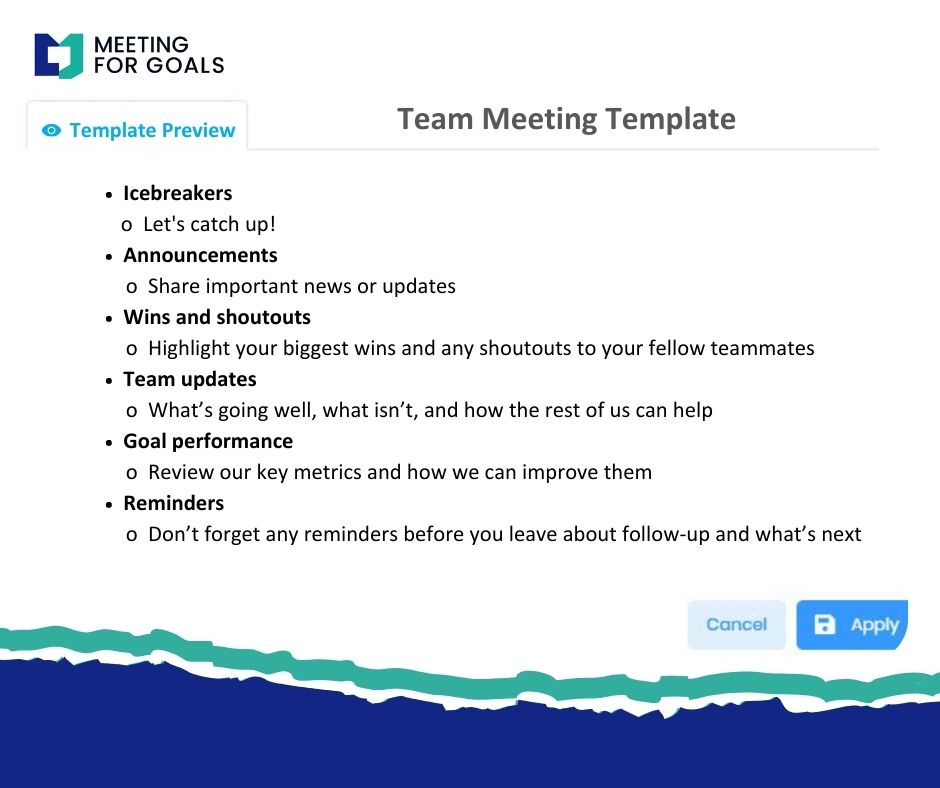
Use the same format every time. This helps executives know where to find what they need quickly.
Create a reusable template that includes:
- Project overview
- Milestones
- Challenges
- Next steps
Consistency builds trust and saves time.
E. Keep It Timely
Reports should be updated regularly — weekly, biweekly, or monthly — depending on project complexity. Timely updates keep everyone aligned and reduce surprises.
V. Utilizing Meeting For Goals Software for Enhanced Reporting
A great report is only useful if it leads to action. That’s where Meeting For Goals takes your reporting to the next level.
A. Features That Support Project Status Reporting
With Meeting For Goals, you can:
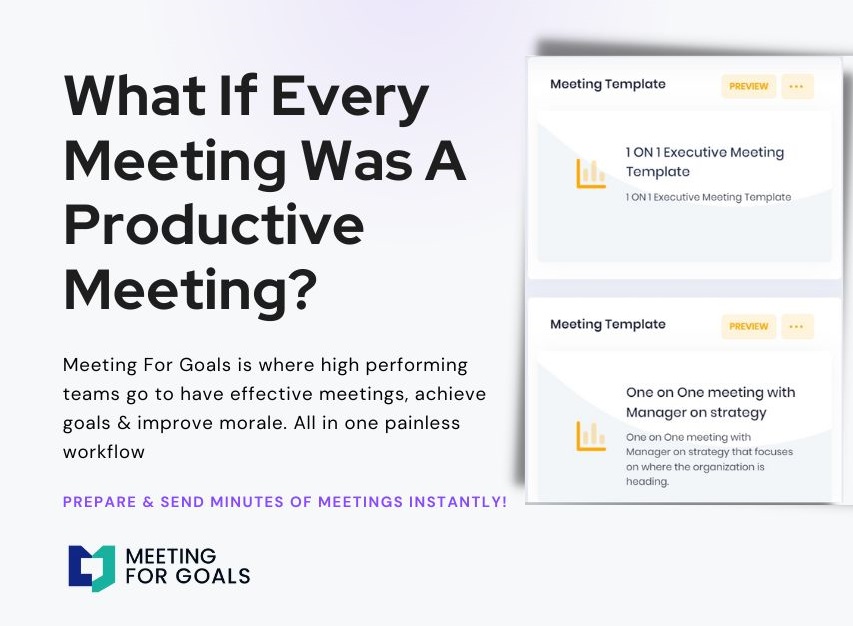
- Build and reuse customizable report templates.
- Collaborate in real time before meetings.
- Link projects to company goals.
- Assign action items with deadlines.
- Track progress between meetings.
Everything is in one place — no more juggling spreadsheets, docs, and emails.
B. Integration Into Meeting Agendas
One of the best features of Meeting For Goals is how easily you can embed your report into your agenda.
Imagine this:
- Your status update is already in the agenda.
- Each section links to a discussion point.
- Action items are assigned in the moment.
No more wasted time. Just focused, productive meetings.
C. Streamlined Communication and Accountability
After the meeting, Meeting For Goals automatically sends out:
- Assigned action items
- Deadlines
- Meeting notes
This builds accountability into your workflow. Everyone knows what they’re responsible for — and when it’s due.
Executives can log in anytime to check project status, review past meetings, or monitor goal progress. It’s all accessible from a single dashboard.
To explore how this works in practice, visit our website: https://meetingforgoals.com.
VI. Conclusion
In today’s fast-moving business world, executives need more than updates. They need insight. An Executive Project Status Report provides that insight in a clear, actionable format.
We’ve covered:
- Why status reports are essential for leadership alignment
- What to include in a high-impact report
- Best practices for clarity, visuals, and accountability
- How Meeting For Goals turns reports into results
If you’re a Director, VP, or C-level leader looking to improve your team’s productivity, it’s time to implement this Executive Project Status Report Template.
Better yet, integrate it with Meeting For Goals to ensure every meeting leads to progress. Start your free trial today: https://app.meetingforgoals.com/TenantRegistration/Register.
Want more resources? Explore our free meeting templates to get started: https://meetingforgoals.com/meeting_templates.
Have you used executive status reports in your organization? What’s worked for you? What challenges have you faced? We’d love to hear your thoughts.
Let’s make every meeting count.
Additional Resources:
- Harvard Business Review: How to Run a Meeting That’s Actually Useful
- McKinsey & Company: The Five Trademarks of Agile Organizations
Word Count: 2,050+