
Onboarding Checklist for Effective Meetings
Excerpt:
In today’s fast-paced business environment, time is one of your most valuable assets. Yet, countless organizations struggle with unproductive meetings. These meetings drain energy, waste hours, and yield little to no actionable outcomes. For high-performing teams aiming to drive results and boost morale, the key lies in transforming meetings into strategic tools. They should focus on alignment, accountability, and execution. This is where an effective onboarding checklist comes into play. In this article, we’ll walk you through a comprehensive onboarding checklist for effective meetings. This guide is designed specifically for high-level executives and their teams. Leveraging the power of Meeting For Goals — the ultimate meeting management software — will help you create a meeting culture that is focused, goal-driven, and impactful.
Start by exploring our free meeting templates to streamline your planning process: https://meetingforgoals.com/meeting_templates
Ready to transform your meetings? Sign up now: https://app.meetingforgoals.com/TenantRegistration/Register
I. Introduction
Meetings are the heartbeat of any organization. They are where strategies unfold, decisions are made, and progress is evaluated. But let’s be honest — not all meetings are created equal.
For companies with 40 to 70 employees, meetings can sometimes feel like a time sink. Without structure, they can spiral into:
- Off-topic discussions
- Unclear action items
- Disengaged attendees
This presents a big problem for high-level executives. Directors, VPs, and C-suite leaders know that every minute counts. An hour lost in an unproductive meeting is an hour not spent moving the business forward.
That’s why building a streamlined, goal-driven meeting culture is mission-critical. Enter Meeting For Goals — meeting management software built for results. It helps teams align discussions with company objectives, assign responsibilities, and track outcomes in one intuitive platform.
This article introduces a step-by-step onboarding checklist to help you get the most out of your meetings. Whether you’re onboarding new hires or overhauling your current system, this guide will assist you in building a culture of focused, effective, and results-driven meetings.
Let’s dive into the six essential components of an effective meeting onboarding checklist.
2 Minute Video
Watch a 2 minute demo of our meeting management software in action
II. Setting Clear Objectives
The foundation of every successful meeting is a clear objective. If you don’t know why you’re meeting, chances are you don’t need to meet.
A. Defining the Purpose of Each Meeting
Every meeting should have a clear reason for existing. Ask yourself:
- What do we need to accomplish?
- Are we solving a problem, making a decision, or sharing updates?
For example:
- A leadership sync might focus on reviewing KPIs and aligning on next steps.
- A project kickoff could be about assigning tasks and setting milestones.
Being intentional about your meeting’s purpose helps you determine who needs to attend and what prep work is required.
B. Aligning Meeting Objectives with Company Goals
Effective meetings don’t happen in isolation. They should contribute to your company’s bigger picture.
When you align meetings with strategic goals, you create a sense of purpose and urgency. It’s not just about talking — it’s about moving the needle.
Using Meeting For Goals, you can link each meeting to specific objectives. This ensures every conversation supports your business priorities.
C. Communicating Objectives to All Participants
Once your goals are set, make sure everyone knows them. Share the meeting’s purpose in the invite and agenda.
When participants understand the “why,” they show up more engaged and prepared. They bring relevant insights and ask better questions.
Meeting For Goals makes this easy with automated agenda sharing and pre-meeting communication tools.
Want to learn more about how to create strategic, goal-driven meetings? Harvard Business Review offers a great resource on making meetings more effective: https://hbr.org/2019/03/what-everyone-should-know-about-running-virtual-meetings
Adding an Agenda
How to add an agenda instantly on Meeting For Goals
III. Preparing the Agenda
A good agenda is like a GPS for your meeting. It keeps you on track, avoids detours, and gets you to your destination on time.
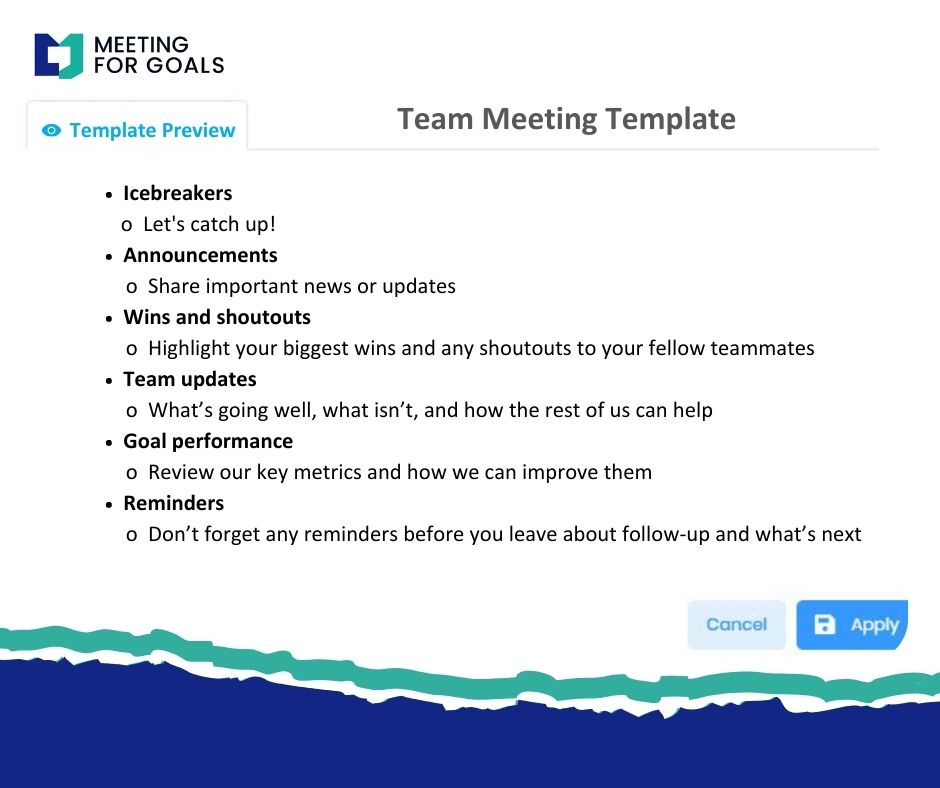
A. Creating a Structured Meeting Agenda
Your agenda should outline the flow of the meeting. Start with a quick welcome, review objectives, and then list each discussion item in a logical order.
Each item should include:
- A brief description
- Who’s leading it
- The expected outcome (decision, update, brainstorm)
This structure keeps everyone focused and prevents the meeting from going off the rails.
With Meeting For Goals, you can easily build agendas using drag-and-drop tools. You can also save templates for recurring meetings to save time.
B. Allocating Time for Each Agenda Item
Time is your most limited resource. Assigning time slots to each agenda item ensures that everything gets covered.
Be realistic. If a topic is complex, give it the time it deserves. If it’s just a quick update, keep it short.
Build in buffer time for questions or unexpected issues. If a discussion runs long, don’t be afraid to table it for a follow-up.
Meeting For Goals includes built-in timers and prompts to help you stay on schedule.
C. Sharing the Agenda in Advance for Participant Readiness
Send out your agenda at least a day before the meeting. This gives participants time to review, prepare, and come with insights.
When people walk in prepared, meetings are shorter, sharper, and more productive.
Meeting For Goals automatically shares agendas with attendees and lets them comment or suggest additions ahead of time.
For more tips on building effective agendas, check out this guide from Atlassian: https://www.atlassian.com/blog/teamwork/meeting-agenda-template
IV. Assigning Roles and Responsibilities
A meeting without clear roles is like a play without a director. Everyone needs to know their part.
A. Designating a Meeting Facilitator
Every meeting needs a facilitator — someone to guide the discussion, keep things on track, and ensure everyone is heard.
This person doesn’t have to be the highest-ranking attendee. It could be a project lead, team manager, or even a rotating role.
The facilitator keeps the meeting aligned with its objectives and ensures decisions are documented.
In Meeting For Goals, you can assign a facilitator for each meeting, so everyone knows who’s in charge.
B. Identifying Roles for Attendees: Note-Taker, Timekeeper, etc.
Other roles help meetings run smoothly:
- Note-taker: Captures key points, decisions, and action items.
- Timekeeper: Keeps an eye on the clock.
- Presenter: Leads specific agenda items.
Assign these roles ahead of time and include them in the invite or agenda. This prevents confusion and spreads responsibility.
Meeting For Goals lets you assign and track roles within each meeting, keeping everyone aligned.
C. Clarifying Responsibilities and Expectations for Each Participant
Beyond roles, participants should know what’s expected of them. Are they there to decide, inform, or share updates?
Set clear expectations in the meeting invite. For example: “Please come prepared with your Q2 sales numbers.”
When everyone knows their role and what’s expected, meetings become more focused and outcomes more actionable.
V. Leveraging Meeting Management Tools
Having the right tools can make or break your meeting experience. With the right platform, you can streamline planning, boost collaboration, and make follow-ups effortless.
A. Utilizing Meeting For Goals Software Features
Meeting For Goals is built for high-performing teams. Here’s how it supports effective meetings:
- Scheduling and Calendar Integrations
Easily schedule meetings with Google, Outlook, and other calendars. Check availability, send invites, and avoid conflicts — all in one place. - Collaboration Tools for Agenda and Notes
Build agendas together, take real-time notes, and document decisions. Everyone stays on the same page, literally. - Tracking Action Items and Follow-Ups
Assign tasks during meetings and track them through to completion. Automated reminders keep everyone accountable.
B. Training Team Members on Effective Use of the Software
Even the best software won’t help if no one knows how to use it. Take time to train your team.
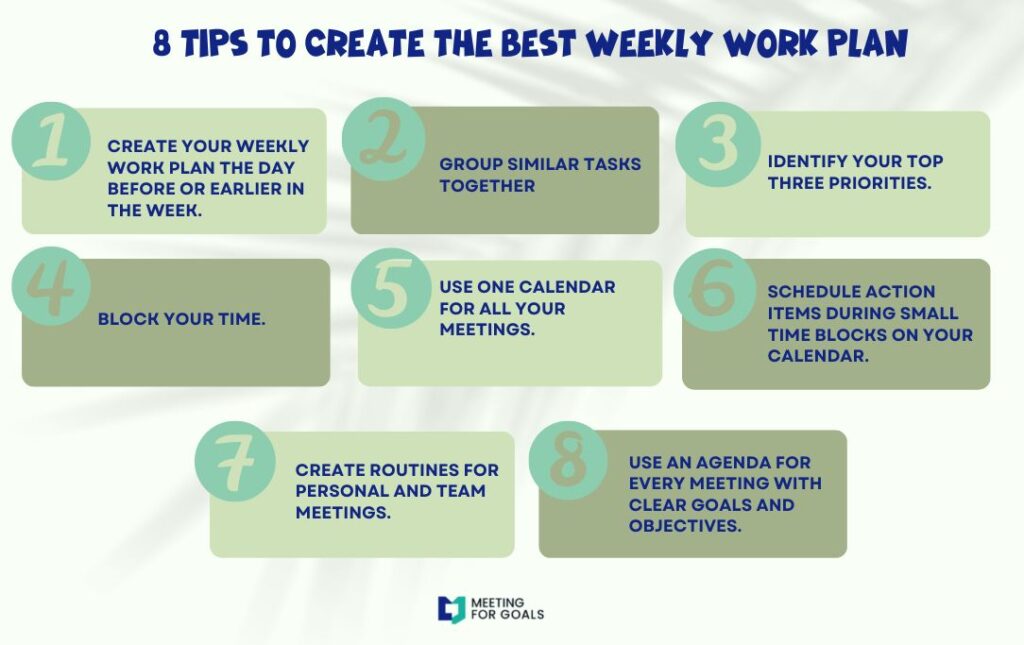
Host short walkthroughs or share video tutorials. Highlight key features and how they tie into your team’s workflow.
Encourage feedback and questions. When people feel confident using the tool, adoption skyrockets.
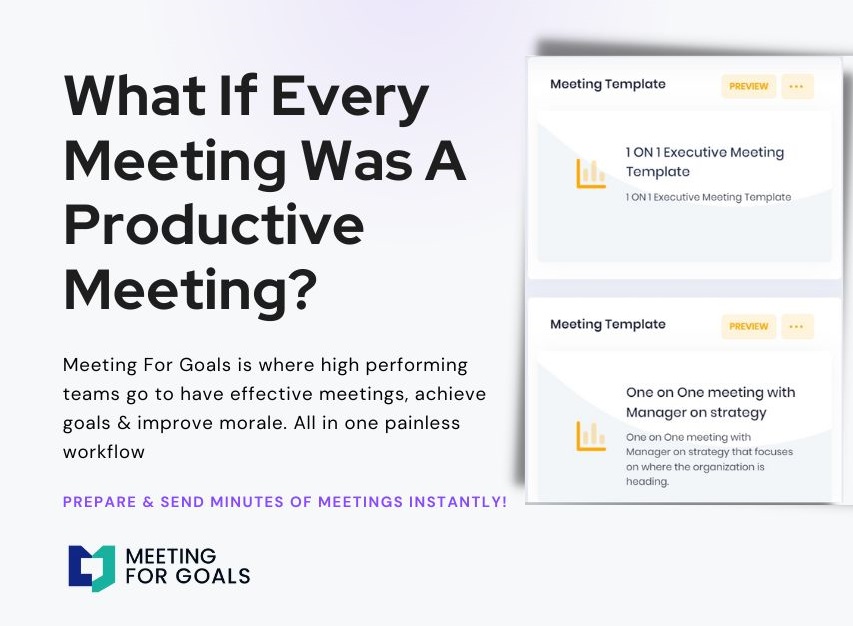
You can also link your team to our free meeting templates to help them get started faster: https://meetingforgoals.com/meeting_templates
VI. Reinforcing Accountability and Follow-Up
Effective meetings don’t end when people leave the room. The real magic happens in the follow-up.
A. Documenting Decisions and Action Items
Use your note-taker role to capture key takeaways. What was decided? Who’s doing what? What’s the deadline?
Meeting For Goals automatically logs decisions and assigns tasks. Everyone leaves with clarity and direction.
B. Sending Post-Meeting Summaries
Send a recap within 24 hours. Include:
- Meeting objectives
- Key decisions
- Assigned action items
- Deadlines
This keeps everyone aligned and ensures nothing falls through the cracks.
C. Monitoring Progress and Holding People Accountable
Use Meeting For Goals to track progress on action items. Set reminders, update statuses, and follow up on incomplete tasks.
This creates a culture of accountability. When people know their work is being tracked, they’re more likely to follow through.
VII. Conclusion
Meetings don’t have to be a waste of time. With the right checklist and tools, they can become powerful drivers of alignment, accountability, and execution.
Let’s recap the key steps:
- Define clear, strategic meeting objectives.
- Prepare a structured agenda and share it early.
- Assign roles like facilitator, note-taker, and timekeeper.
- Use tools like Meeting For Goals to streamline the process.
- Train your team and reinforce accountability with follow-ups.
If you’re ready to transform your meetings, it’s time to take action.
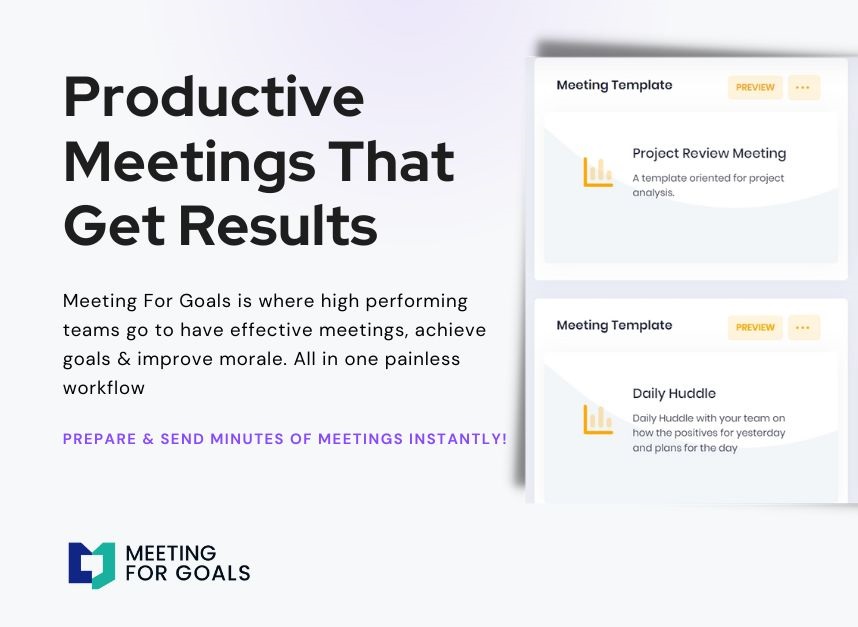
Explore our free meeting templates: https://meetingforgoals.com/meeting_templates
Visit our website to learn more: https://meetingforgoals.com
Ready to get started? Sign up today: https://app.meetingforgoals.com/TenantRegistration/Register
Make every meeting count. Make it a Meeting For Goals.
Word Count: ~2,100 words