I. Introduction
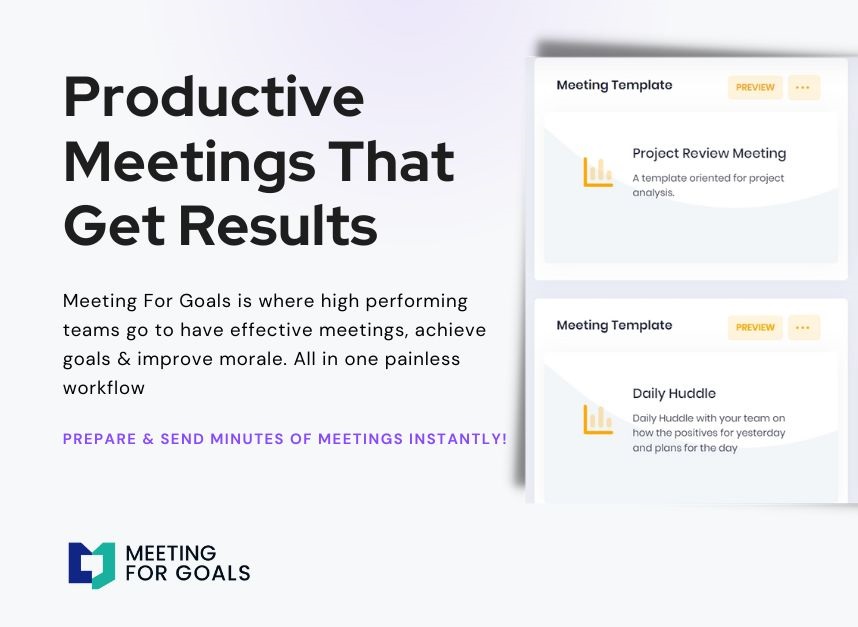
In today’s fast-paced business environment, high-performing teams can’t afford to waste time in unproductive meetings. That’s why Meeting For Goals exists—to streamline your workflow, align your team with company objectives, and make every meeting count.
One of the most overlooked yet powerful tools in transforming meetings from time-wasters to goal-driven sessions is keyword brainstorming. In this blog, we’ll walk you through a comprehensive, SEO-optimized keyword brainstorm template. We will also guide you on how to implement it effectively within your organization.
Whether you’re a Director, VP, or C-suite executive managing a team of 40–70 employees, this strategy will help you enhance meeting productivity, accountability, and alignment. Meetings are the heartbeat of your organization. They’re where:
- Decisions are made
- Strategies are aligned
- Teams come together to move the business forward
But let’s be honest—most meetings feel like a waste of time. That’s where Meeting For Goals comes in. Our meeting management platform is designed to help high-performing teams run shorter, more focused, and goal-oriented meetings.
For organizations with 40 to 70 employees—especially those led by Directors, VPs, and C-suite leaders—every minute spent in a meeting needs to drive value. You simply can’t afford to waste time. That’s why we’re excited to introduce a powerful yet simple strategy: the Keyword Brainstorm Template.
This method helps you bring clarity and alignment to every meeting by using strategic keywords. These keywords guide discussions, clarify responsibilities, and tie every agenda item back to your business goals.
If you’re looking to make your meetings more productive, this guide is for you. We’ll cover:
- What meeting keywords are
- How to brainstorm them effectively
- How to integrate them into your workflow using tools like Meeting For Goals
👉 Ready to improve your team’s meeting culture? Start now by exploring our free meeting templates at https://meetingforgoals.com/meeting_templates.
2 Minute Video
Watch a 2 minute demo of our meeting management software in action.
II. Understanding the Importance of Keywords
Before you jump into brainstorming, you need to understand what we mean by “keywords” in the context of meetings. No, we’re not talking about SEO terms here. We’re talking about strategic, goal-driven words that shape your meetings.
A. What Are Meeting Keywords?
In meeting management, keywords are short, meaningful terms that help focus discussion and clarify purpose. Think of them as signposts that guide your team through the meeting. Examples include:
- Strategic Goals: “Q3 Revenue,” “Customer Retention”
- Action Terms: “Decision Needed,” “Follow-Up”
- Values: “Accountability,” “Transparency”
These keywords help everyone stay on the same page and reduce the chance of meetings going off-track.
B. Why Keywords Improve Focus and Accountability
Keywords act like mental shortcuts. When you see a keyword like “Deadline” or “Ownership,” you instantly know what’s expected. That clarity helps reduce confusion and keeps everyone accountable.
For example, if your agenda reads “Decision Needed: Marketing Budget,” everyone knows a decision must be made during that discussion—not just a casual update.
C. Keywords Keep You Aligned with Company Goals
Let’s say your company is focused on “Customer Retention” this quarter. If that keyword appears in your meetings regularly, it keeps everyone aligned with that goal. You’re constantly reinforcing what matters most.
Meeting For Goals makes this super easy. You can tag agenda items and action points with keywords, helping you track alignment with your strategic objectives over time. Want to see how this works in action? Check out our platform at https://meetingforgoals.com.
Adding an Agenda
How to add an agenda instantly on Meeting For Goals.
III. Creating a Keyword Brainstorm Template
Now that you know why keywords matter, let’s talk about building a keyword brainstorm template. This tool helps you and your team identify the most important themes that should drive your meetings.
A. What to Include in Your Template
- Categories: Break your keywords into categories. This keeps things organized and ensures you’re covering all important areas. Common categories include:
- Goals: “Revenue Growth,” “Customer Satisfaction”
- Accountability: “Ownership,” “Responsibility”
- Metrics: “KPIs,” “Lead Conversion”
- Processes: “Workflow,” “Automation”
- Values: “Integrity,” “Teamwork”
- Sources for Keyword Ideas: To build a solid list of keywords, gather input from across your team. Here are a few ways to do that:
- Team retrospectives or planning sessions
- Anonymous surveys for honest feedback
- 1-on-1 interviews with team leads
- Review past meeting notes and performance reports
- Prioritization Criteria: Not all keywords are created equal. Use a simple scoring system to rank them based on relevance, urgency, and alignment with your company’s goals.
- Keyword Frequency Tracker: Track how often each keyword appears in your meetings. This will help you spot trends, like if you’re overemphasizing one area and neglecting another.
B. Tools to Build Your Template
You can start with a spreadsheet, but tools like Meeting For Goals make the process easier. With our platform, you can:
- Create custom keyword tags
- Embed keywords into agenda templates
- Track keyword usage in real-time
- Generate reports to measure alignment with goals
Other helpful tools include:
- Miro: Great for visual brainstorming
- Google Forms: Collect keyword suggestions
- Trello or Asana: Track keyword-related tasks
Looking for a shortcut? Try our ready-to-use meeting templates at https://meetingforgoals.com/meeting_templates.
IV. Steps to Conduct a Keyword Brainstorming Session
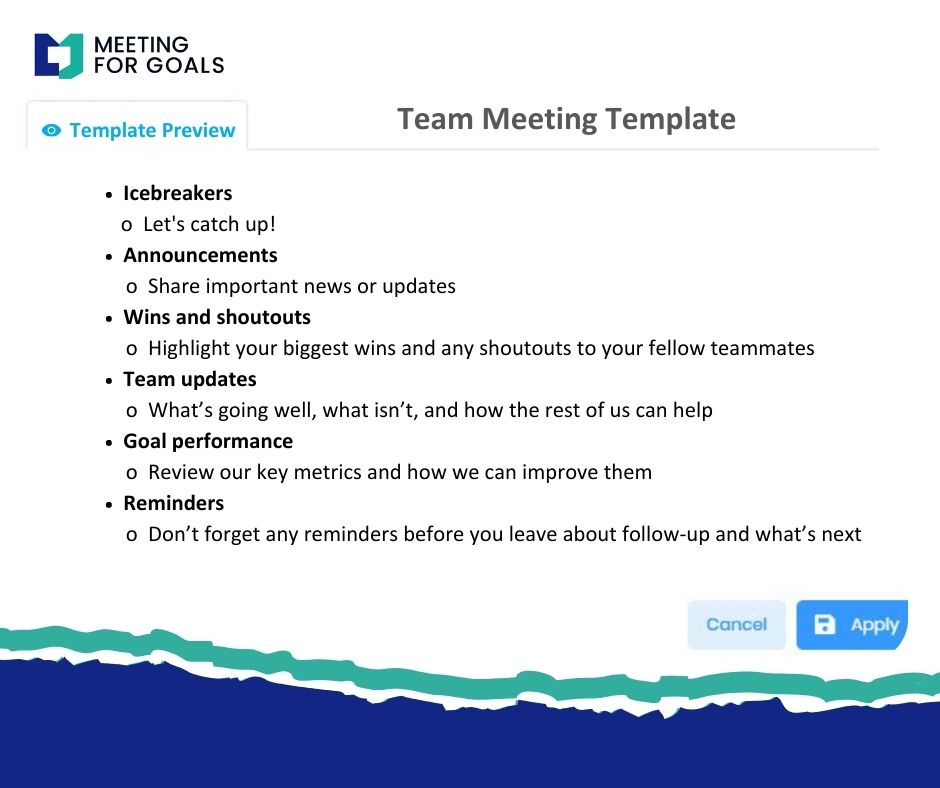
With your template in hand, it’s time to gather your team and start brainstorming. This session should be structured but still allow room for creativity.
A. Pre-Session Prep
- Set Clear Goals: Know what you want to achieve. Are you aligning on quarterly priorities? Improving accountability? Be clear about your objective.
- Send Pre-Work: Give participants a quick overview of what meeting keywords are. Ask them to bring 3–5 keyword ideas to the session.
- Invite the Right People: Include both leadership and frontline team members. You’ll get a broader perspective and more useful keywords.
- Set Up Your Tools: Prepare your keyword brainstorm template in Meeting For Goals. If you’re using Miro or another visual tool, set up your board ahead of time.
B. Brainstorming Techniques
- Mind Mapping: Start with a central theme (like “Q4 Goals”) and branch out into related keywords. This helps visualize the big picture.
- Round-Robin: Go around the room and have each person contribute one keyword at a time. This ensures everyone participates.
- Affinity Grouping: Group similar keywords together. This helps you identify major themes like “Customer Experience” or “Process Improvement.”
- Dot Voting: Let participants vote on the most important keywords. This helps prioritize what matters most to the team.
C. Tips for Better Collaboration
- Create a safe space where all ideas are welcome
- Use a quick icebreaker to get everyone talking
- Encourage cross-functional input for diverse insights
These sessions usually take about an hour and can be done virtually or in person. Once it’s done, you’ll have a powerful list of keywords to guide your meetings.
Want to see how other teams are using brainstorming to improve meetings? Check out this in-depth guide from Atlassian: https://www.atlassian.com/team-playbook/plays/brainstorm.
V. Implementing Keywords in Meeting Management
Now that you’ve got your keywords, it’s time to put them to work. This is where the real transformation happens.
A. Add Keywords to Your Agendas and Action Items
- Agenda Items: Start each agenda item with a keyword. For example:
- “Review: Q3 Revenue Targets”
- “Decision Needed: Hiring Strategy”
- “Follow-Up: Customer Feedback Survey”
- Action Items: Use keywords to clarify expectations. Instead of saying “Update landing page,” say “Update landing page (KPI: Conversion Rate, Owner: Jamie).”
- Meeting Summaries: At the end of each meeting, include a keyword summary. This helps reinforce key themes and keeps everyone aligned.
B. Real-World Examples
Marketing Teams might use:
- “Campaign ROI”
- “Brand Awareness”
- “Lead Generation”
Product Teams could focus on:
- “Feature Roadmap”
- “User Feedback”
- “Bug Fixes”
Sales Teams often use:
- “Pipeline Health”
- “Revenue Forecast”
- “Client Retention”
C. How Meeting For Goals Makes It Easy
With Meeting For Goals, you can:
- Tag agenda items and tasks with strategic keywords
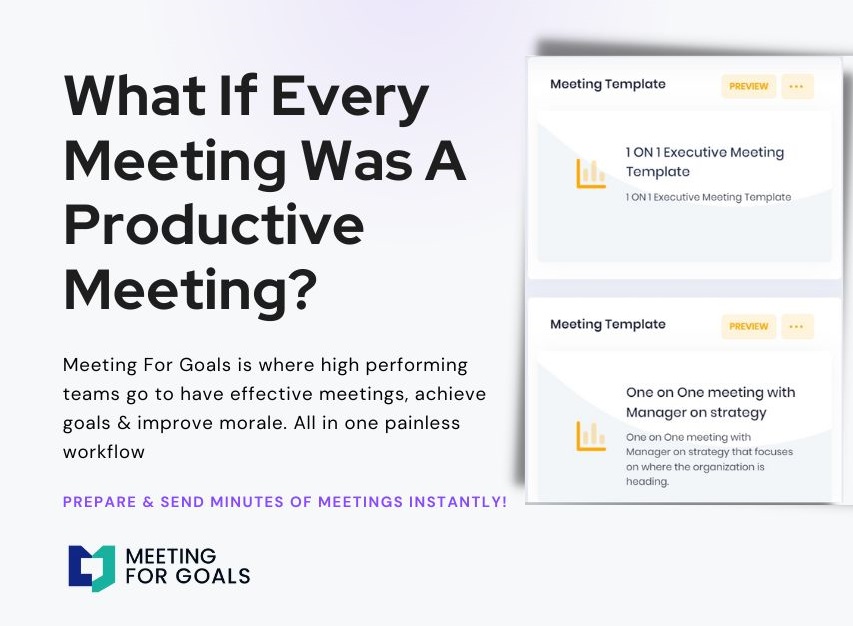
- Use pre-built agenda templates with embedded keywords
- Track keyword frequency across meetings
- Automate follow-ups based on keyword-tagged action items
All of this helps you turn your keywords into actionable steps that drive results. Ready to see it in action? Sign up now at https://app.meetingforgoals.com/TenantRegistration/Register.
VI. Conclusion
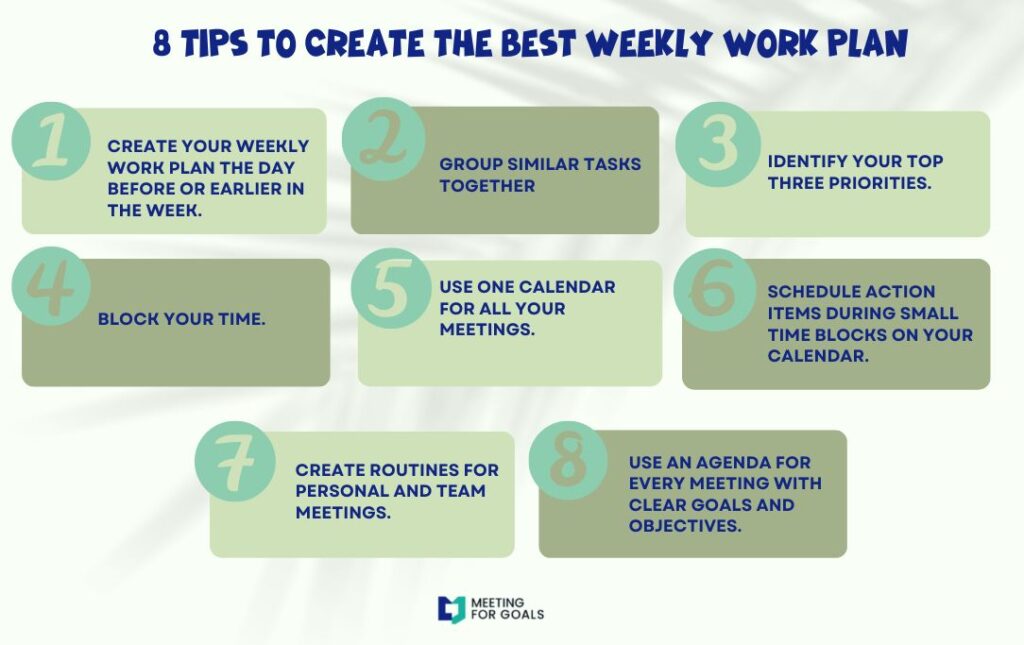
If you’re leading a growing team, you already know how critical effective meetings are. They’re where strategies are set, decisions are made, and progress is tracked. But without structure, meetings can easily become unfocused and unproductive.
That’s why keyword brainstorming is such a game-changer. It’s a simple, high-impact technique that brings clarity, focus, and alignment to your meetings. By identifying and using strategic keywords, your team can stay on track, stay accountable, and stay aligned with company goals.
Let’s recap what you’ve learned:
- What meeting keywords are and why they matter
- How to build a keyword brainstorm template
- How to run a collaborative brainstorming session
- How to integrate keywords into your meeting process using Meeting For Goals
Want to take your meetings from average to exceptional? Start using our keyword brainstorming strategy today. And if you’re ready to take it one step further, try Meeting For Goals—your all-in-one solution for focused, goal-driven meetings.
👉 Explore our templates at https://meetingforgoals.com/meeting_templates
👉 Sign up now and start transforming your meetings: https://app.meetingforgoals.com/TenantRegistration/Register
👉 Visit us for more resources and tools: https://meetingforgoals.com
For more on how effective meetings drive business success, check out this Harvard Business Review article: https://hbr.org/2017/07/stop-the-meeting-madness
Make every meeting count. Start today.